Starter
$29/month
- 2 team members
- Up to 50 clients
- 1 GB secure file storage
- Client intake & referrals
- Task management & shared calendar
- Team assignments & activity log
- Standard reports & notifications
Manage clients, bookings, tasks, forms, documents, contracts, invoices and calendars — without jumping between six different tools.

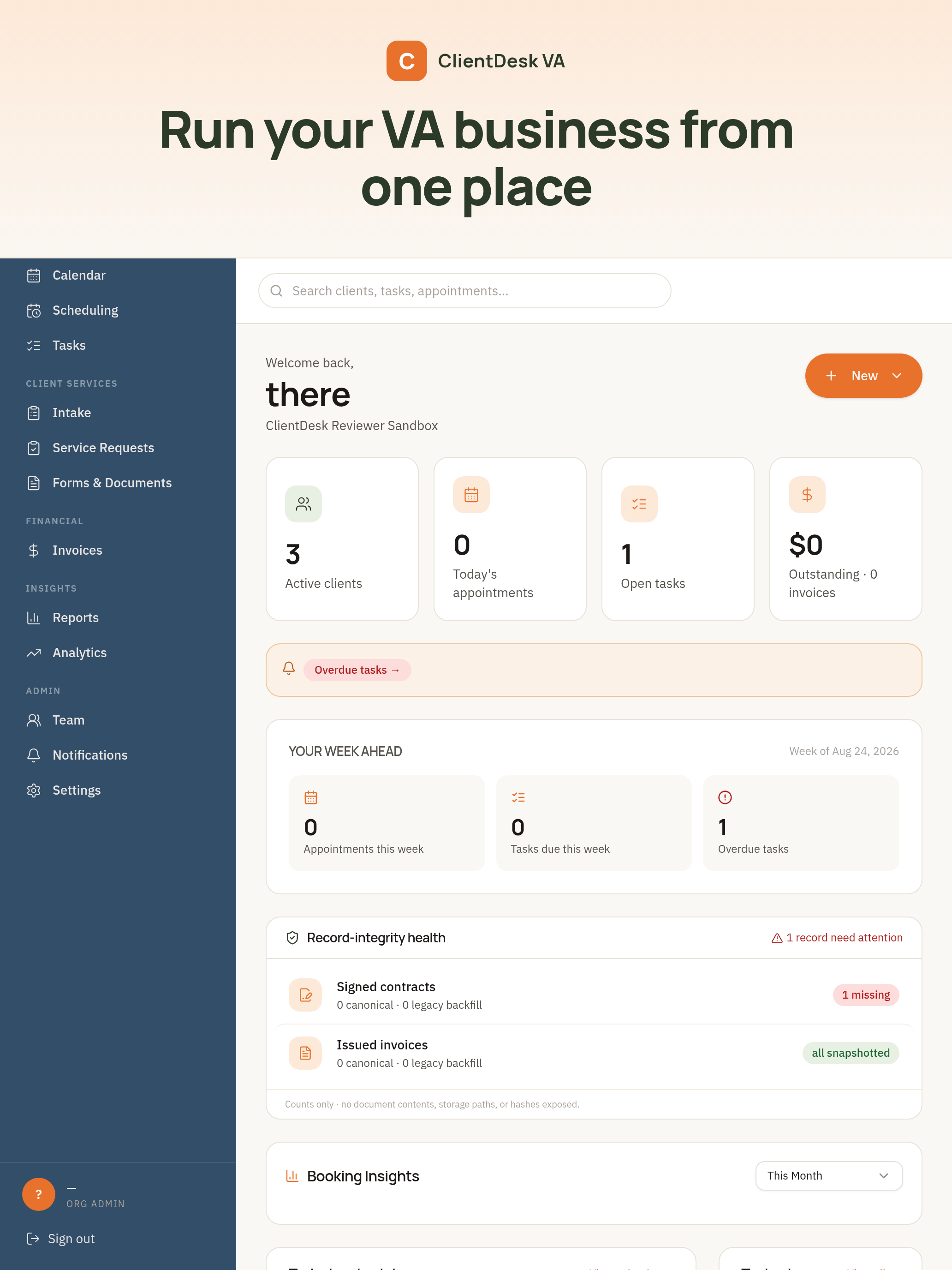
Every disconnected tool is another tab, another password, another place to lose something. ClientDesk VA replaces that patchwork with one workspace that already knows your clients, your calendar and your money.

Every step of your client relationship lives in one place, in the order it actually happens.

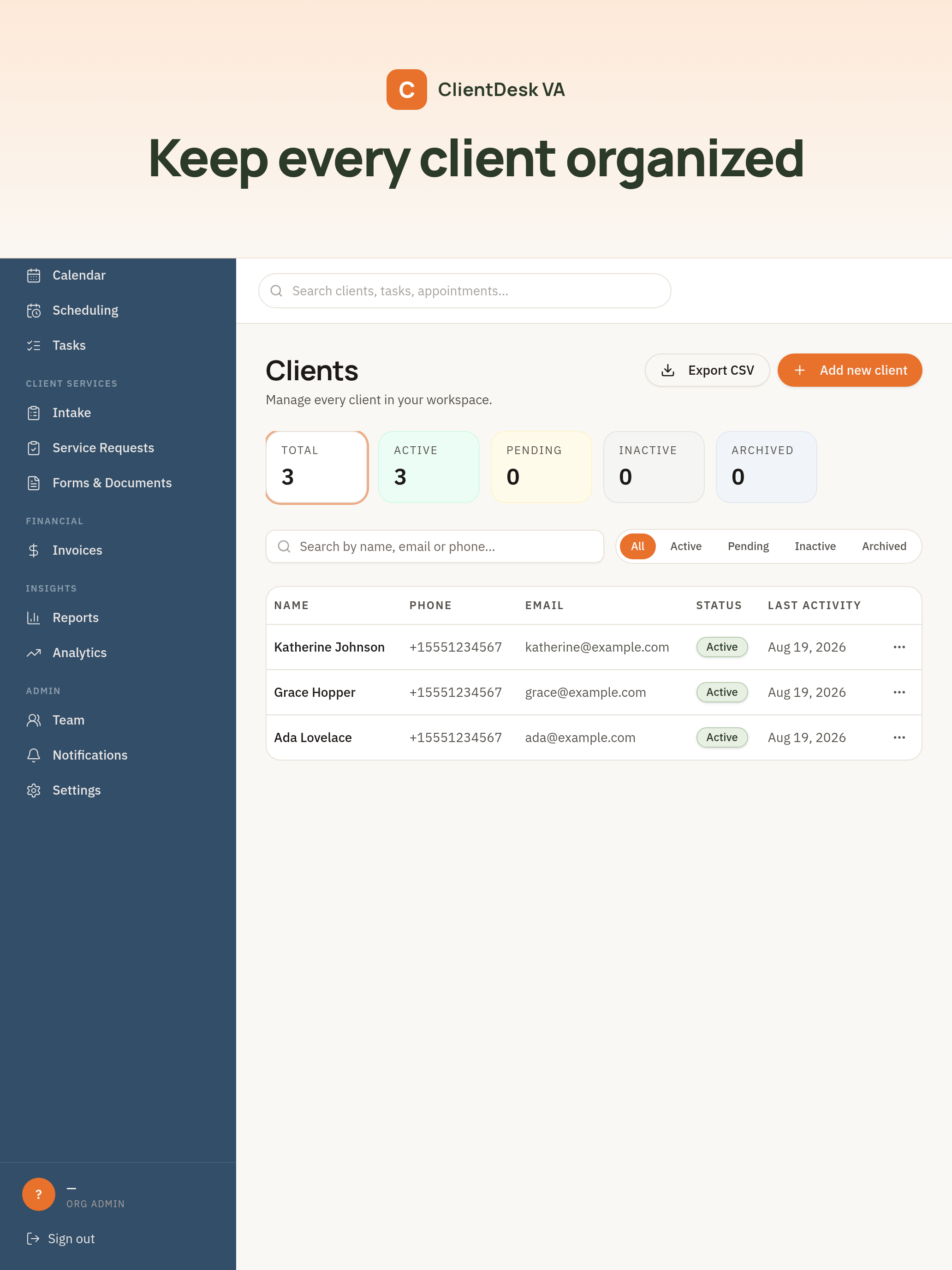
Contact details, appointment history, active tasks, uploaded documents, invoices and portal access — one profile that grows with the relationship.
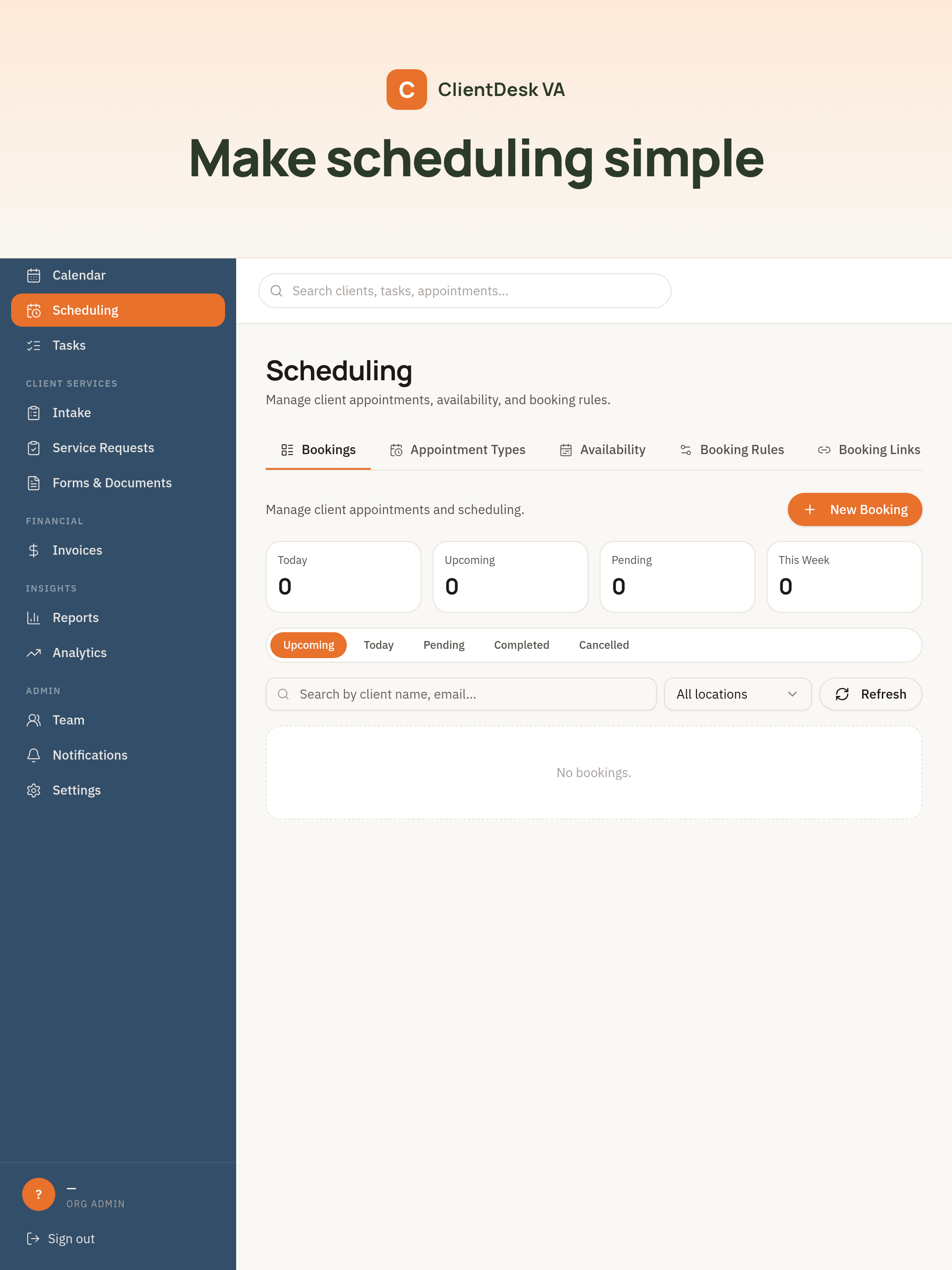
Publish appointment types with your availability, take bookings from a public link, and confirm meeting details automatically — Google Calendar and Outlook stay in sync.
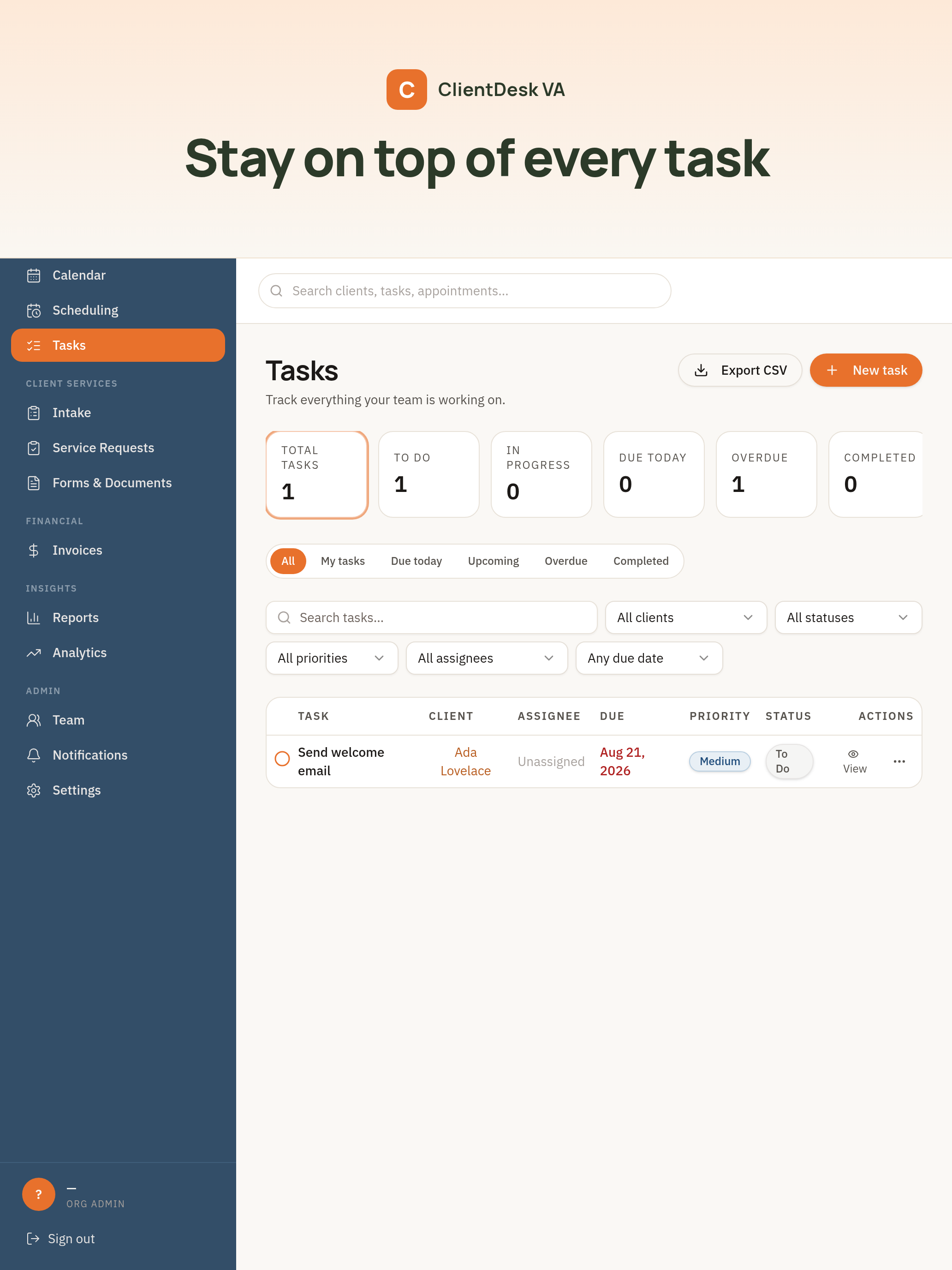
Personal, team and client-linked tasks with priorities, due dates and status. Everything you owe someone, in one honest list.
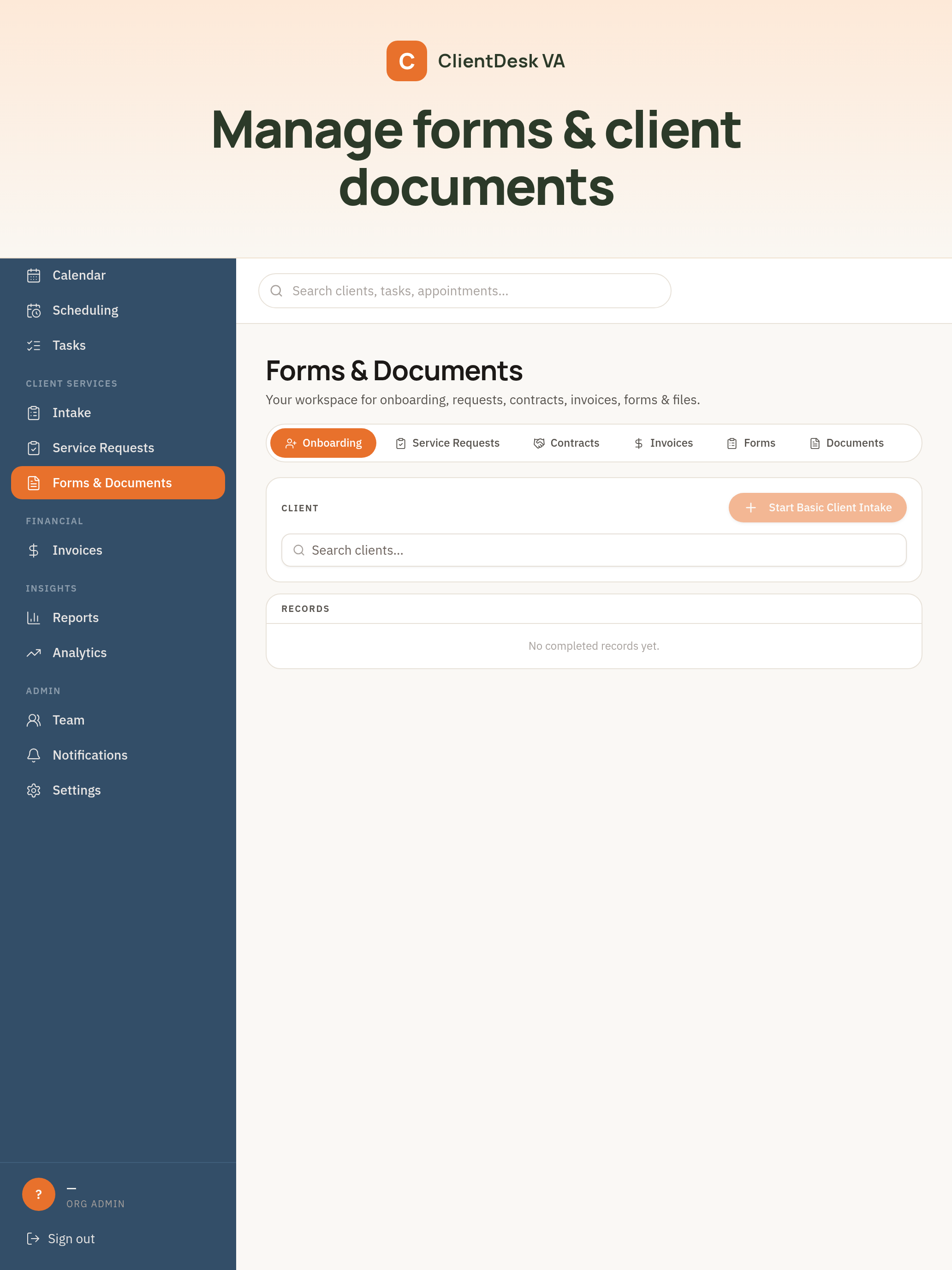
Intake forms, service requests, contracts and welcome documents live together. Send one link — get everything you need back, filed under the right client.
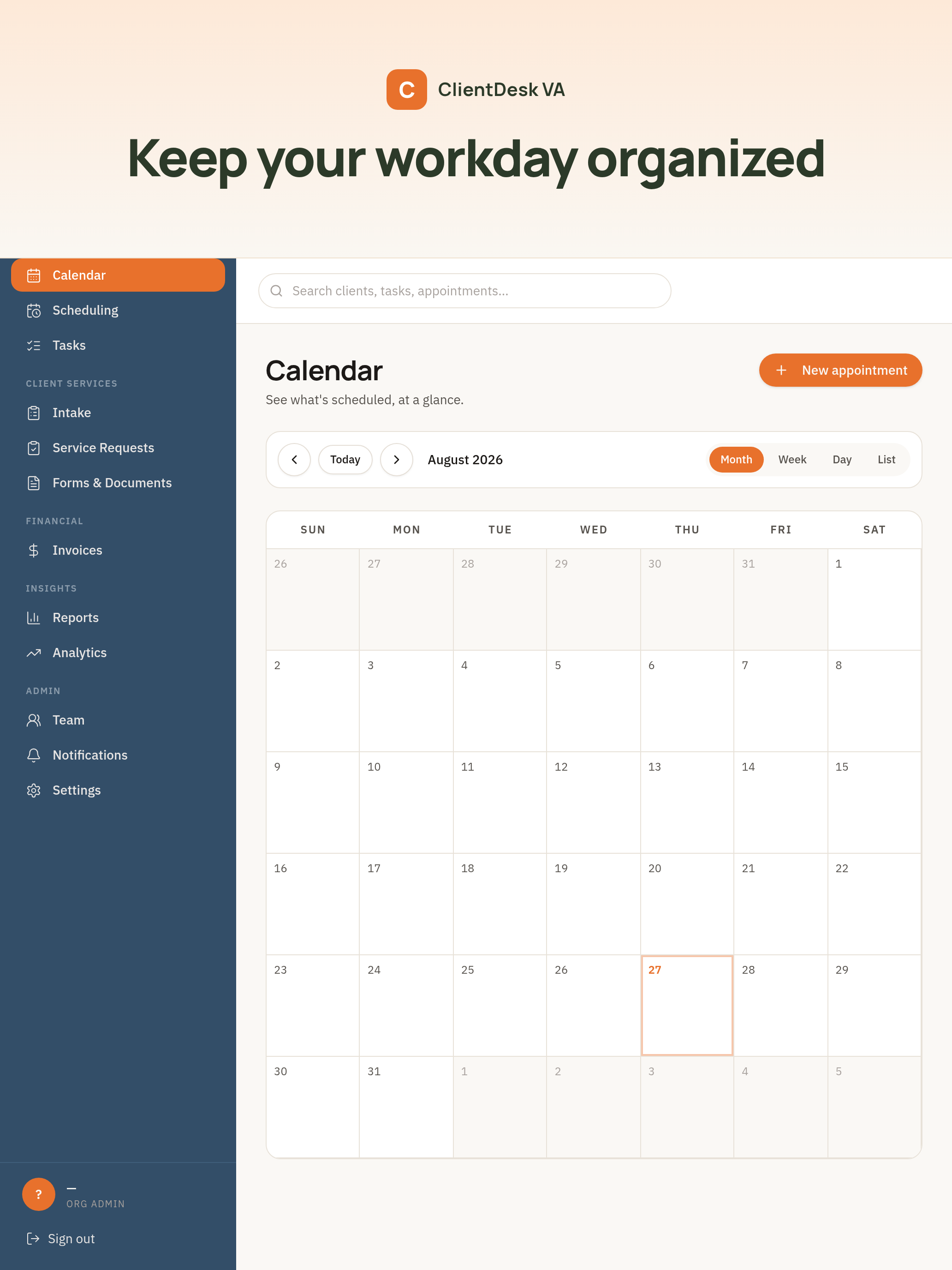
Month, week, day and list views. Every booking, every event, every deadline — in a calendar you actually want to open on a Monday morning.
ClientDesk VA was designed around the day-to-day workflow of running a virtual assistant business. Bookings, tasks, forms and documents are first-class citizens — not afterthoughts stapled to a sales pipeline.
Built around the client you already have, not the pipeline you don't. No deal stages you'll never use.
Intake, welcome documents, contracts and portal access are baked in — not bolted on with a third-party app.
One workspace across every client. No context-switching, no half-full spreadsheets, no lost details.

No 60-minute setup call. No implementation package. If you can send an email, you can run your VA business inside ClientDesk VA.
Sign up and name your organization. That's your desk.
Import from a spreadsheet or add them one at a time — takes seconds either way.
Link Google Calendar or Outlook so bookings and events stay in sync automatically.
Send intake, book calls, deliver documents, invoice. All in the same place.
We only list what you can actually connect today. More coming, but we don't advertise them until they ship.
Every plan includes clients, bookings, tasks, forms, contracts, invoices and calendar. Choose the size that fits your practice.
More users, more clients, larger storage, or a custom setup for your team? Get in touch and we'll build a plan around you.
We don't claim things we can't prove. Here's exactly what we do — and where to find the details.
Every request between your browser and ClientDesk VA is encrypted with modern TLS.
Your password is bcrypt-hashed and never stored in plaintext, ever.
Postgres Row-Level Security means your organization's rows stay in your organization.
Every mutating action is logged with the actor, timestamp and IP for security review.
Account deletion is available from Settings → Account, and by writing to us. See the details.
Bring your VA business into one organized workspace. Every client, every task, every document — in the right place.
Coming soon on the App Store.